
Desktop Solutions
New workstations, custom configuration, upgrades and maintenance.

Computers, displays, printers and attendance devices supplied, configured and supported as one practical workplace setup.
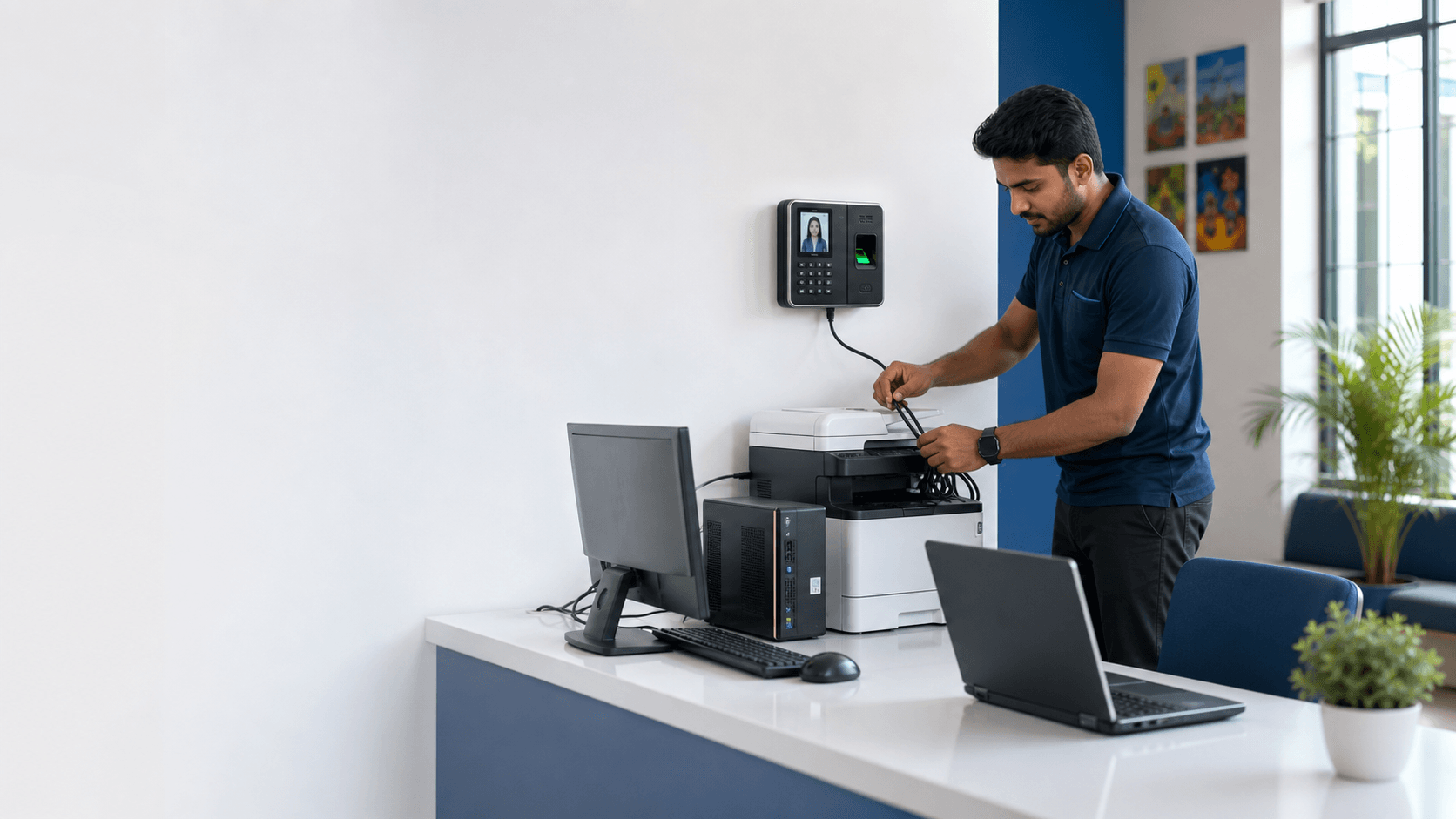 Gauravi installation & support
Hardware is selected around workload, compatibility, serviceability and day-to-day use.
New workstations, custom configuration, upgrades and maintenance.
Requirement-based selection, setup, data transfer and peripheral support.
Printer selection, driver setup, network sharing and output troubleshooting.
Office displays, CCTV screens, mounting and input configuration.
Attendance devices and supported software are prepared for the administrators who use them.
Complete hardware installation, networking, enrollment and attendance setup.
Supported mobile access, user schedules, shifts, reports and operator guidance.
Desktop, laptop, printer, monitor, mobile and biometric content from the former pages is included on this main page.
Processor, memory, storage, display and upgrade needs are matched to billing, office, education, studio or monitoring workloads.
Workload, mobility, battery expectations, ports, serviceability, data transfer and peripherals are considered before preparation.
Operating settings, connectivity, required peripherals and essential workplace applications are prepared for the responsible user.
Memory, storage, performance and common hardware issues are assessed before recommending a practical repair or replacement.
Page volume, colour needs, paper size, refill cost, connection type and sharing requirements are considered before choosing a printer.
Computers are selected and prepared around workload, reliability, compatibility and future service needs.
Processor, memory, storage, graphics, battery or upgrade needs are matched to billing, office, education, studio or monitoring workloads.
Operating settings, connectivity, required peripherals and essential workplace applications are prepared for the responsible user.
Supported data transfer, printers, scanners, displays and network access are coordinated so the computer is ready for daily work.
Memory, storage, performance and common hardware issues are assessed before recommending a practical repair or replacement.
Output devices and displays are matched to volume, media, viewing distance and the computers or recorders around them.
Page volume, colour needs, paper size, refill cost, connection type and sharing requirements are considered before choosing a printer.
Printer drivers, defaults, supported network sharing and output checks are configured for the computers that need access.
Screen size, ports, viewing distance, wall or desk position and continuous monitoring needs are matched to the intended use.
Queue, driver, connection, media and print-quality problems are checked systematically to identify the actual source of failure.
Attendance equipment is configured around users, schedules, reporting and the administrator responsible for the system.
Fingerprint, face or supported attendance devices are selected and positioned around staff flow, power, network and supervision.
Users, departments, schedules and supported attendance rules are prepared with the operator who will maintain the records.
Compatible applications and reports are configured so authorised owners or administrators can review useful attendance information.
The responsible person is shown enrollment, daily use, report access and the details needed when requesting future support.
Drivers, defaults, supported network sharing and output checks are configured for the computers that require access.
Screen size, ports, viewing distance, wall or desk position and continuous monitoring needs are matched to the intended use.
Fingerprint, face or supported attendance devices are selected and positioned around staff flow, power, network and supervision.
Users, departments, schedules, supported rules and reports are prepared with the administrator responsible for attendance.
Compatible applications are configured and the operator is shown enrollment, daily use, reports and support information.