

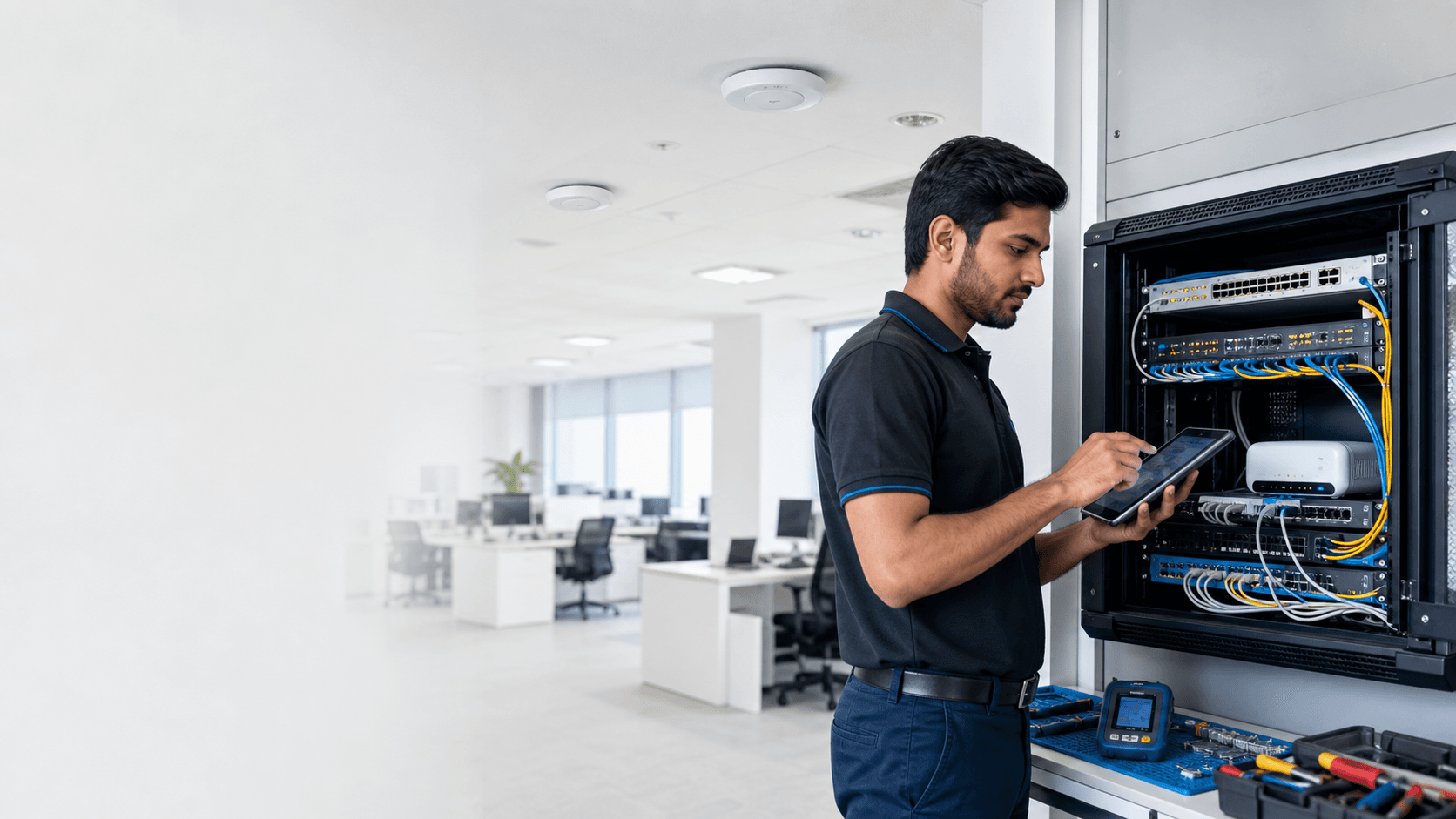
Internet speed reaches the router through the service provider, but Wi-Fi must still travel through rooms, walls and interference to reach each device. Upgrading the plan cannot repair a weak radio signal inside the premises.
Separate connection speed from Wi-Fi quality
First test a wired device or a phone close to the main router. If speed is acceptable nearby but poor in another room, the internet connection may be healthy and the coverage needs attention.
If speed is poor everywhere, check the provider connection, router capacity and current usage before adding wireless equipment.
Place the router where the signal can travel
Routers hidden inside cabinets, behind televisions or at one end of a long building lose useful coverage. A more central, open and elevated position usually performs better.
Thick walls, metal shutters, mirrors, floors and nearby electrical equipment can reduce signal. Business premises should also consider the number of simultaneous users and the areas where billing, cloud applications or cameras depend on connectivity.
Use access points for larger spaces
A single powerful router is not always the right answer. Properly placed wired access points provide more predictable coverage across multiple rooms or floors.
Wireless repeaters can help in limited situations, but poor placement may repeat an already weak signal. The connection between network points matters as much as the device name printed on the box.
- Measure coverage where people actually work
- Prefer wired access points for stable business areas
- Keep one clear naming and password plan
- Separate guest access where appropriate
Test handoff, upload and busy periods
Walk through the premises with a phone while using the network to check whether devices remain connected between coverage areas. Test upload as well as download when cameras, video calls or cloud backups are important.
Repeat checks during normal busy periods. A network that looks fast with one device early in the morning may behave differently with many connected users.
Plan for the result, then select the equipment
Choose the internet plan for capacity and build Wi-Fi coverage for the premises. Treating those as two connected but different decisions produces a more reliable network.