

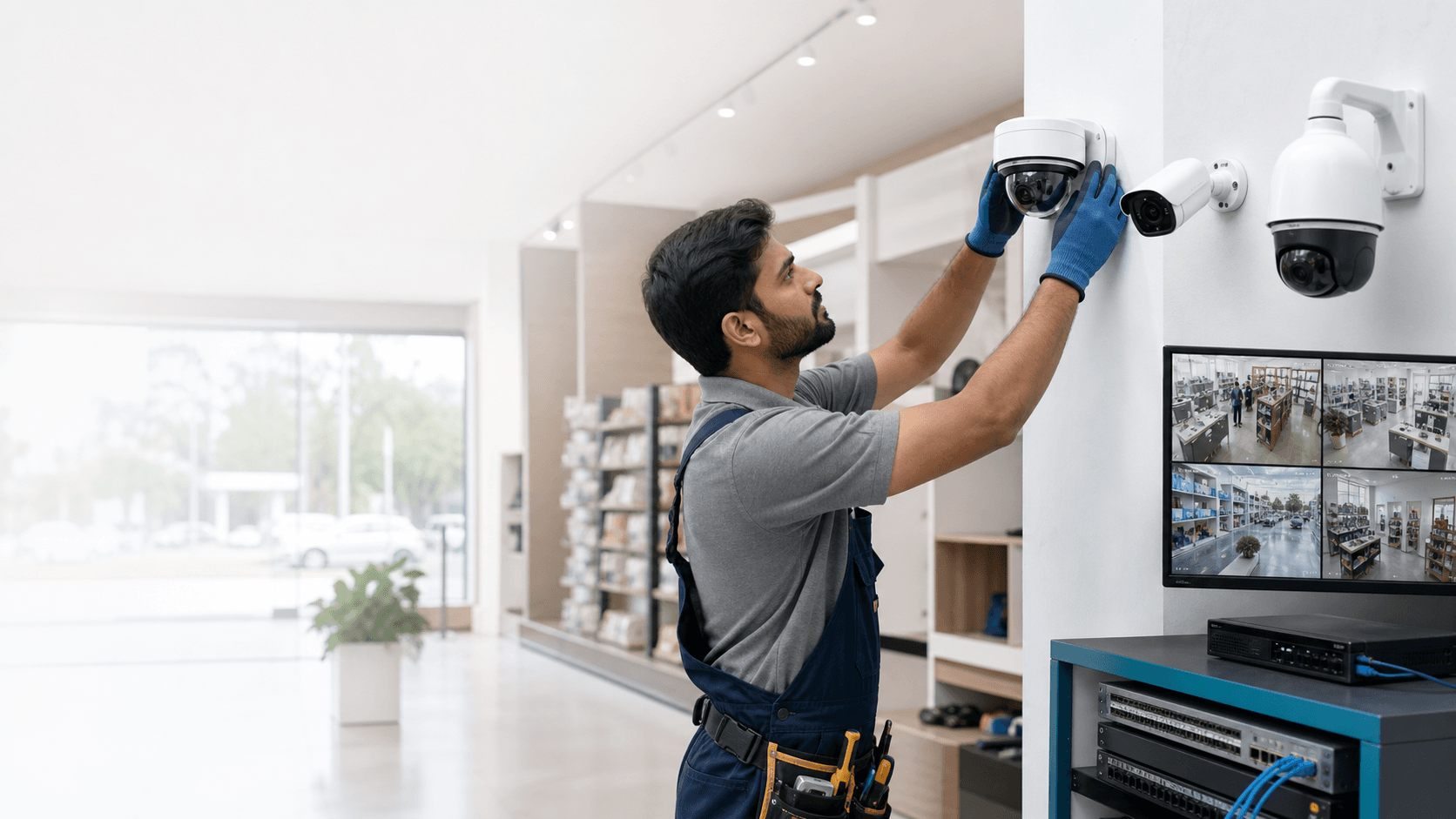
Good CCTV coverage is not created by adding the maximum number of cameras. It comes from deciding what each camera must show, then matching position, lens, lighting and recording quality to that purpose.
Start with the event you need to understand
Walk through the premises and list the events that would matter during an incident: a person entering, a transaction at the counter, movement near stock, a vehicle at the gate or access to a restricted room. Each event needs a useful level of detail.
A wide camera may show that someone entered, while a closer view may be required to identify the person or understand what happened at a counter. Treat overview and identification views as separate requirements where necessary.
- Entrances and exits
- Cash and service counters
- Storage and restricted areas
- Boundary, gate and vehicle movement
Check height, angle and blind spots
A camera mounted too high can produce a clear picture of the top of a person's head while missing facial detail. A camera mounted too low may be easy to reach or block. The correct height depends on viewing distance, lens and the activity being monitored.
Doors, shelves, signboards, pillars and parked vehicles can create blind spots. Review the expected view from the camera position before drilling or running cable, and account for how the space changes during working hours.
Plan for day and night conditions
A location that looks bright during a daytime survey can become difficult after closing. Strong light behind a person, vehicle headlights and reflective surfaces can also reduce usable detail.
Check whether the camera needs infrared night vision, warm light, wide dynamic range or additional site lighting. Outdoor cameras also need suitable weather protection and a secure mounting position.
Include recording and mobile access in the design
Camera count, resolution, frame rate and required recording days determine recorder channels and storage. Decide the retention target before selecting the hard disk rather than accepting an unknown number of days after installation.
Remote viewing should use strong credentials and controlled user access. The responsible person should know how to view live cameras, search playback and export evidence without sharing the main administrator password.
Document the final layout
Keep a simple camera list with location, purpose, channel number and cable route. This makes later maintenance easier and helps identify where an additional camera is genuinely needed.
Before handover, verify image detail at the expected distance, night performance, date and time, recording, playback and mobile access. A camera is only complete when its intended result has been tested.
Plan for the result, then select the equipment
Plan every camera around a specific viewing outcome, then test that outcome under real operating conditions. This creates a smaller, clearer and more maintainable surveillance system.